A problem that’s recently had me tearing out (what little remains of) my hair. When spinning up SQL Server containers I’ve had no trouble using environment variables (MSSQL_SA_PASSWORD) to set the SA password. Storing sensitive information like passwords in env files isn’t exactly a brilliant practice.
I recently learned of the variable MSSQL_SA_PASSWORD_FILE
Instead of providing the password directly, it allows you to provide the path to a file containing your plaintext SA password.
One important “gotcha” I found is that it fails silently when not configured properly. By that I mean if you forget to mount the secret or get the path wrong (ID10T errors I made when trying it out) you’ll get no warnings or errors about the SA password. Something… will be set as the password and you’ll end up with a SQL Server instance that you can’t log in to.
Nice one! 👍
services:
  hastur: # Backend SQL Server
    image: mcr.microsoft.com/mssql/server:2025-latest
    ports:
      - "5501:1433"
    environment:
      ACCEPT_EULA: Y
      MSSQL_PID: Express
      MSSQL_SA_PASSWORD_FILE: /run/secrets/hastur-sa-pass-file
    secrets:
      - hastur-sa-pass-file
    restart: unless-stopped

secrets:
  hastur-sa-pass-file:
    file: '.secrets/hastur-sa-pass'
Of course, this is just a “pseudo secret” stored in a file somewhere on your Docker host. Better than nothing but still not ideal. Because I’m using a TrueNAS box as my Docker host I’ve been storing secrets in an encrypted dataset.

This only protects data when the machine is powered off and the key is stored locally anyway so I’m not getting much security.
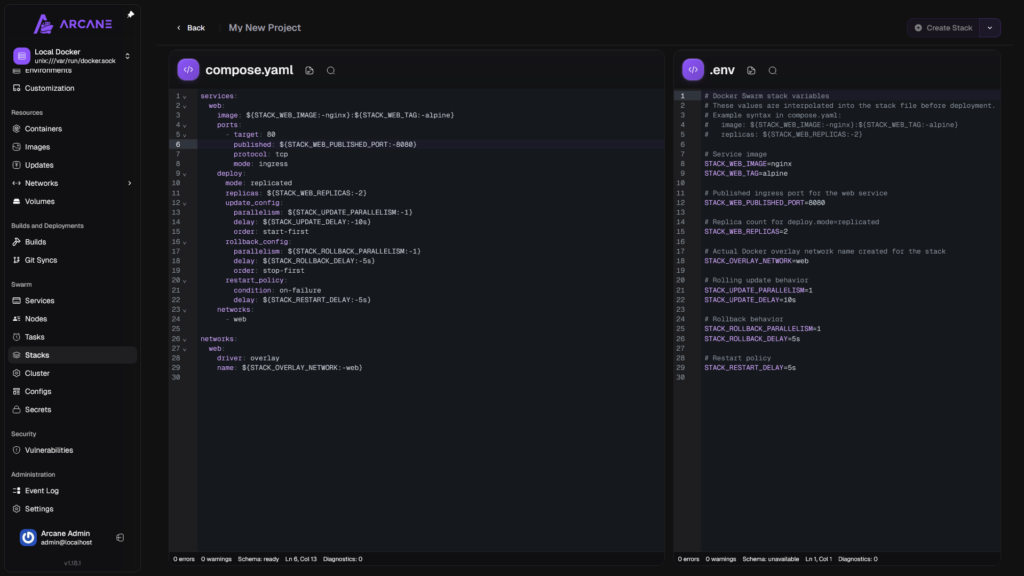
My next step will be to try using secrets through Docker Swarm.
There are a few things I’ll need to get my head around first.
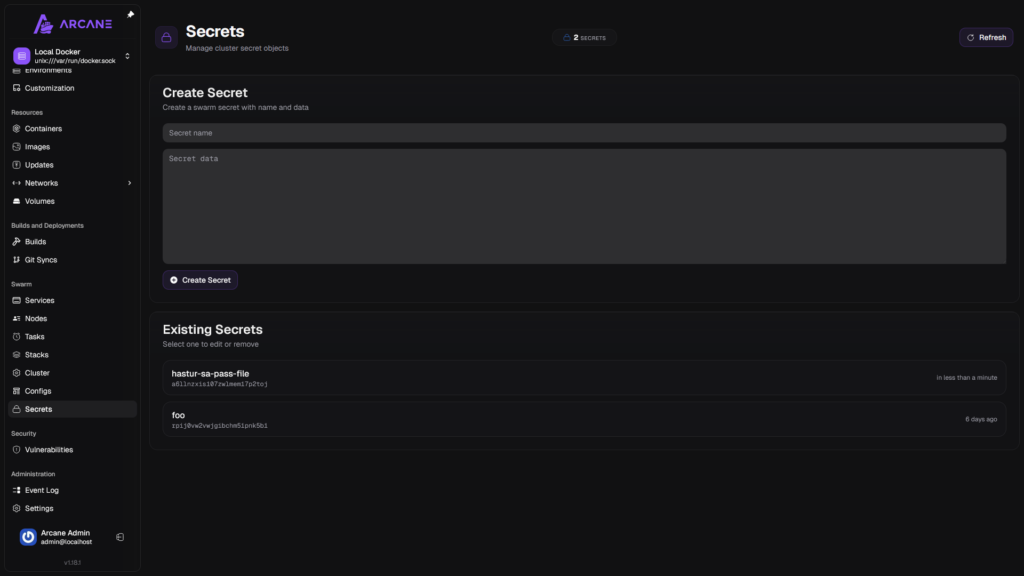
Which means that a stack will be needed instead of a project